Documentation / SMS Templates
SMS Templates
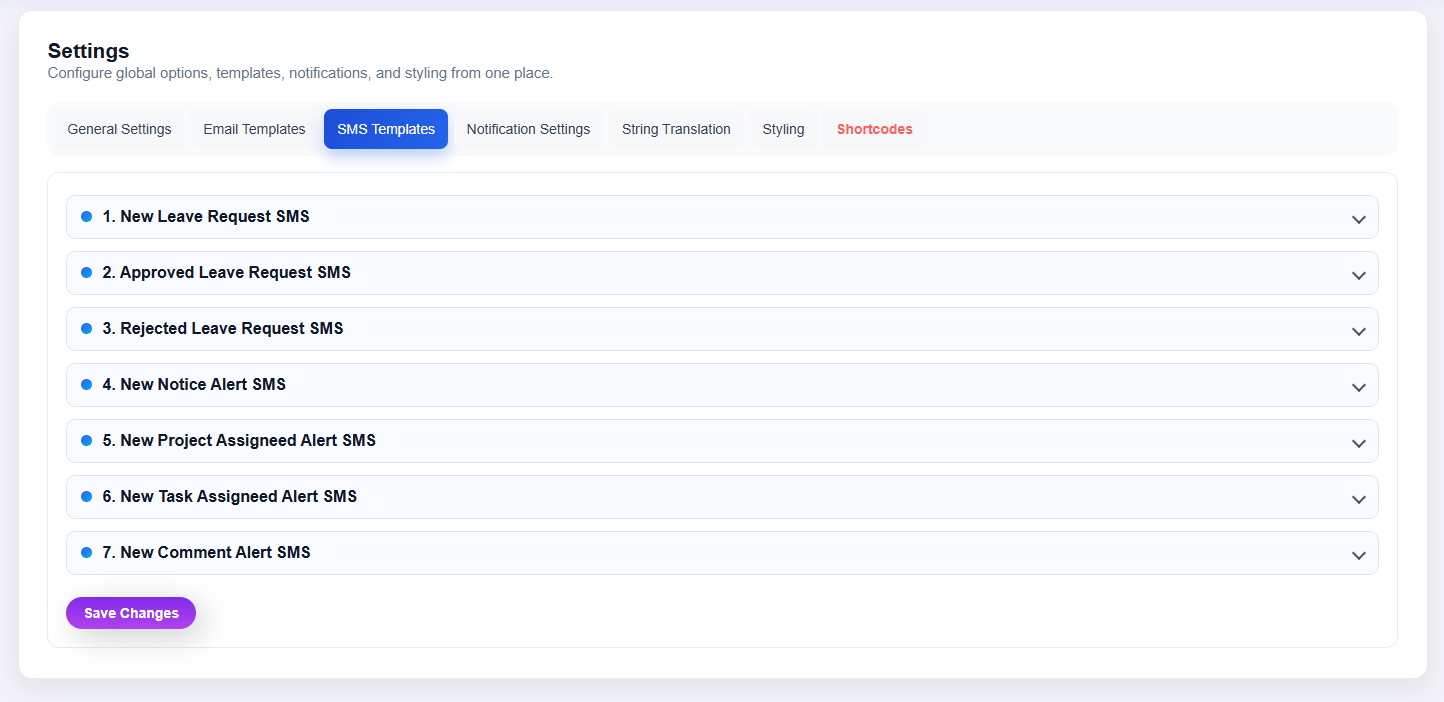
What this screenshot shows
The SMS Templates area provides the available SMS message templates. Expand the relevant template, edit its content using the supported placeholders, and save the changes.
- SMS templates are presented as expandable entries.
- The list makes it easy to locate a particular notification template.
- Open a template, edit its message, and save the updated content.
- Customer tip: Use the screenshot as a visual guide, but follow the field-by-field instructions on this page for the exact configuration.
Open Clockinator Pro → Settings → SMS Templates to manage the SMS templates provided by the plugin.
- Select a template.
- Edit its message content.
- Preserve supported variables.
- Save and test delivery.