Documentation / Notices
Notices
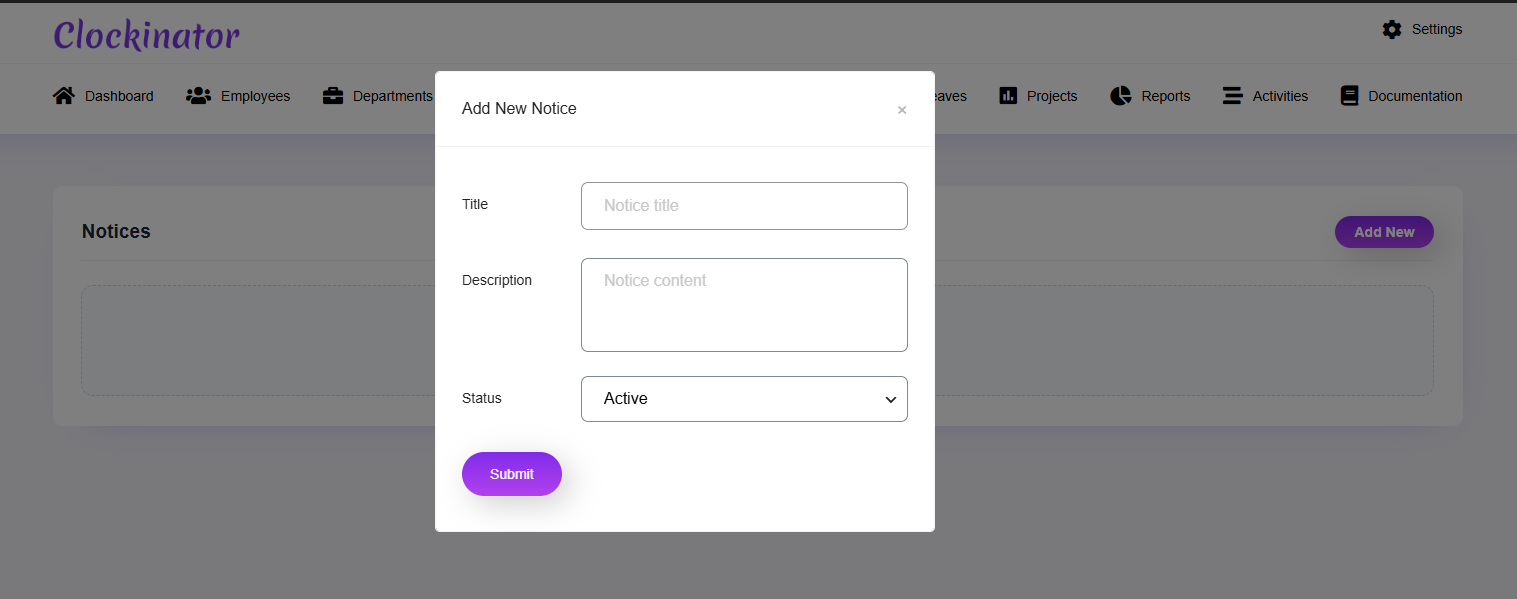
What this screenshot shows
The Notice modal lets an administrator publish an internal notice. Enter the notice content and status shown in the form, save it, and use the Notices area to manage published information for staff.
- The modal provides fields for the notice title/content and status.
- The status selector controls the record's current state.
- Save the notice and verify it from the Notices list.
- Customer tip: Use the screenshot as a visual guide, but follow the field-by-field instructions on this page for the exact configuration.
Notices are used for internal workforce communication. Create, edit and manage notices from Clockinator Pro → Notices.
- Create a notice.
- Enter the title/content fields shown.
- Set its status/visibility using the available controls.
- Save and verify employee-facing visibility where applicable.