Documentation / Departments
Departments
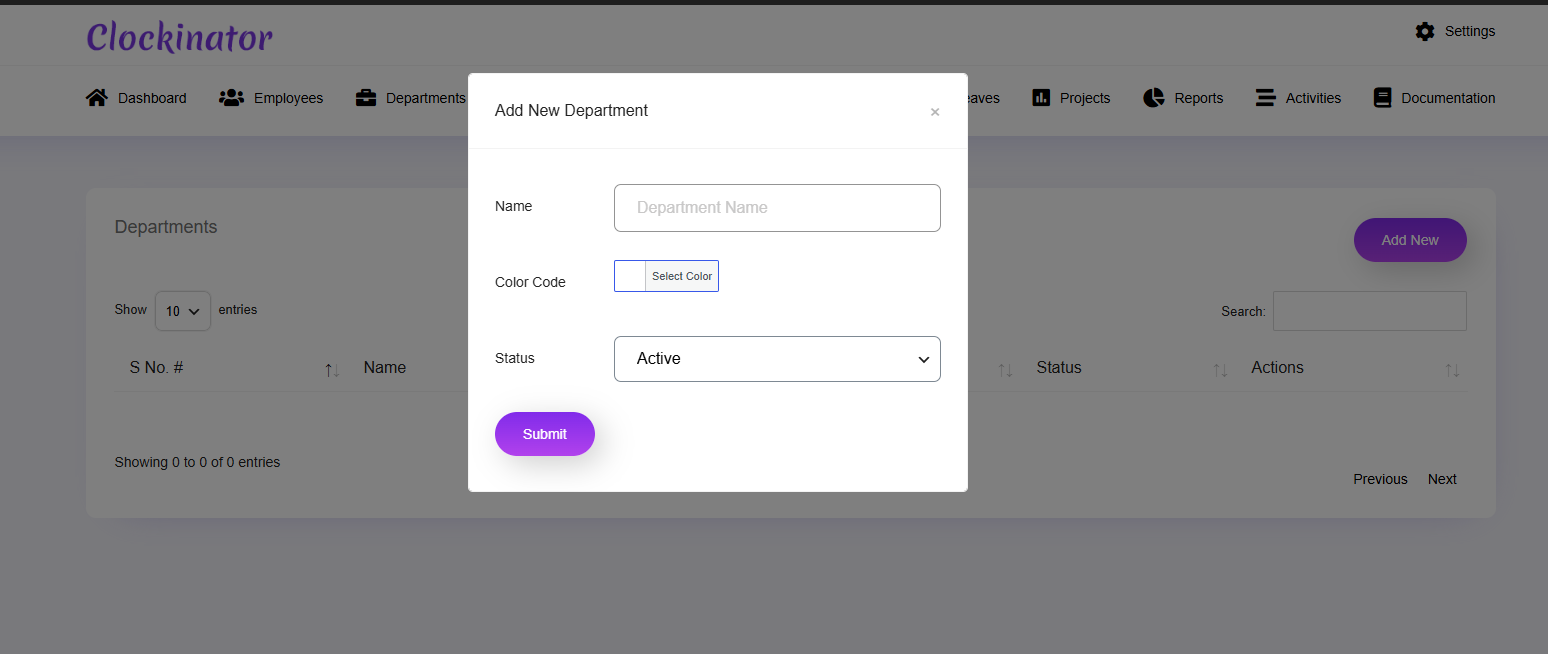
What this screenshot shows
This modal is used to create a department. Enter the department name, choose the available color/status options shown by your installation, and save. Departments provide a useful organizational structure for grouping employees and filtering management data.
- The modal focuses on the department's basic details.
- The color/status controls help identify and manage the department in the interface.
- Save the department after entering its information, then verify it appears in the department list.
- Customer tip: Use the screenshot as a visual guide, but follow the field-by-field instructions on this page for the exact configuration.
Departments organize employees and are referenced by other workforce operations.
Workflow
- Open Clockinator Pro → Departments.
- Create a department.
- Enter the displayed department information.
- Save it.
- Assign employees through the employee workflow where applicable.
Recommended: Build your department structure before creating all employees so assignments are consistent from the start.