Documentation / Events
Events
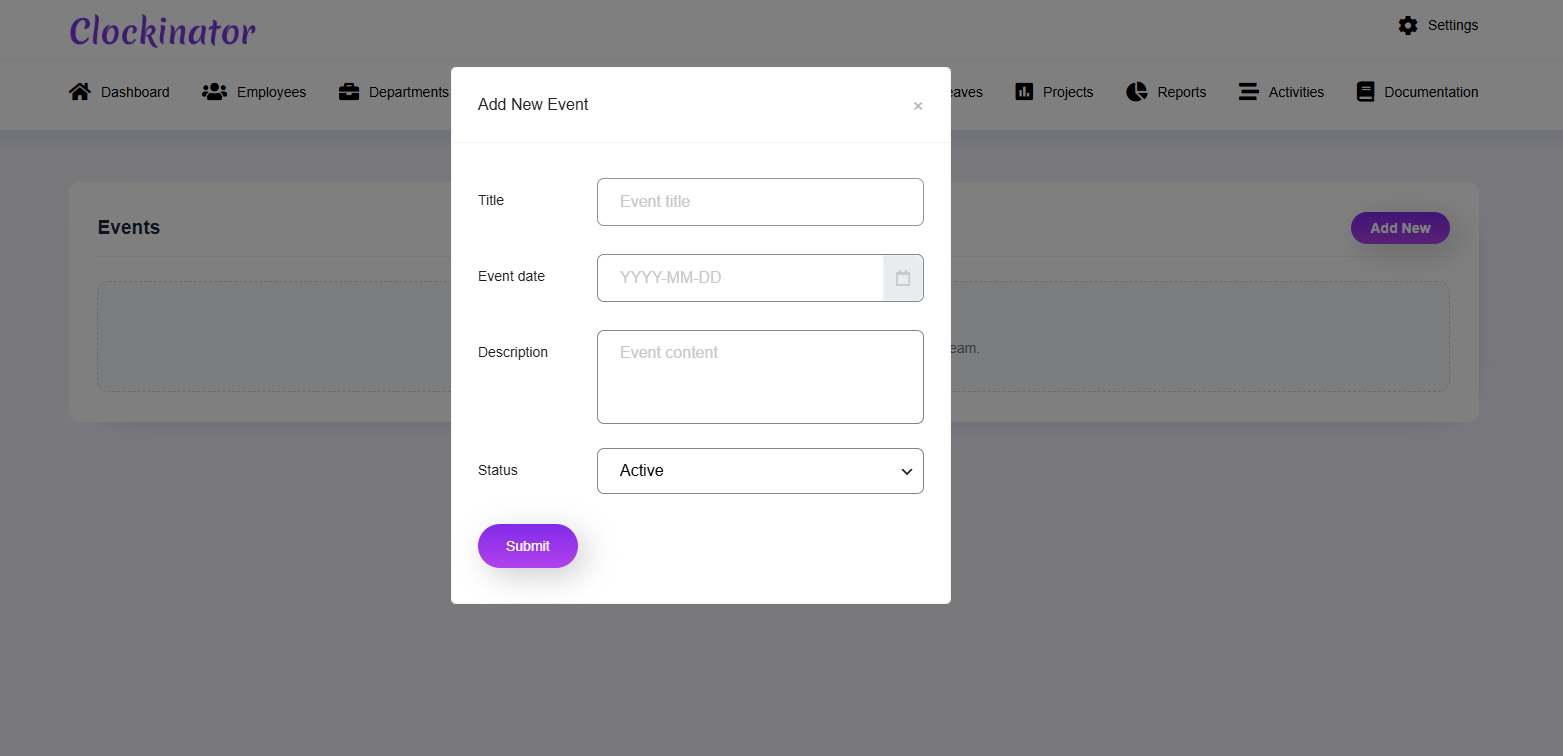
What this screenshot shows
Use this form to create an organization event. Enter the event details, date/time information, and status available in your installation, then save the event so it can be displayed and managed from the Events module.
- The form captures the event title, date/time-related information, description and status.
- The date/time controls are important for ensuring the event appears at the intended time.
- Save the event and confirm the entry in the Events module.
- Customer tip: Use the screenshot as a visual guide, but follow the field-by-field instructions on this page for the exact configuration.
Use Clockinator Pro → Events for organizational events. The plugin provides an events controller and action handler.
Basic workflow
- Create the event.
- Enter its date/title/details using the displayed form.
- Save.
- Review the event in the relevant employee-facing area if enabled.