Documentation / Email Templates
Email Templates
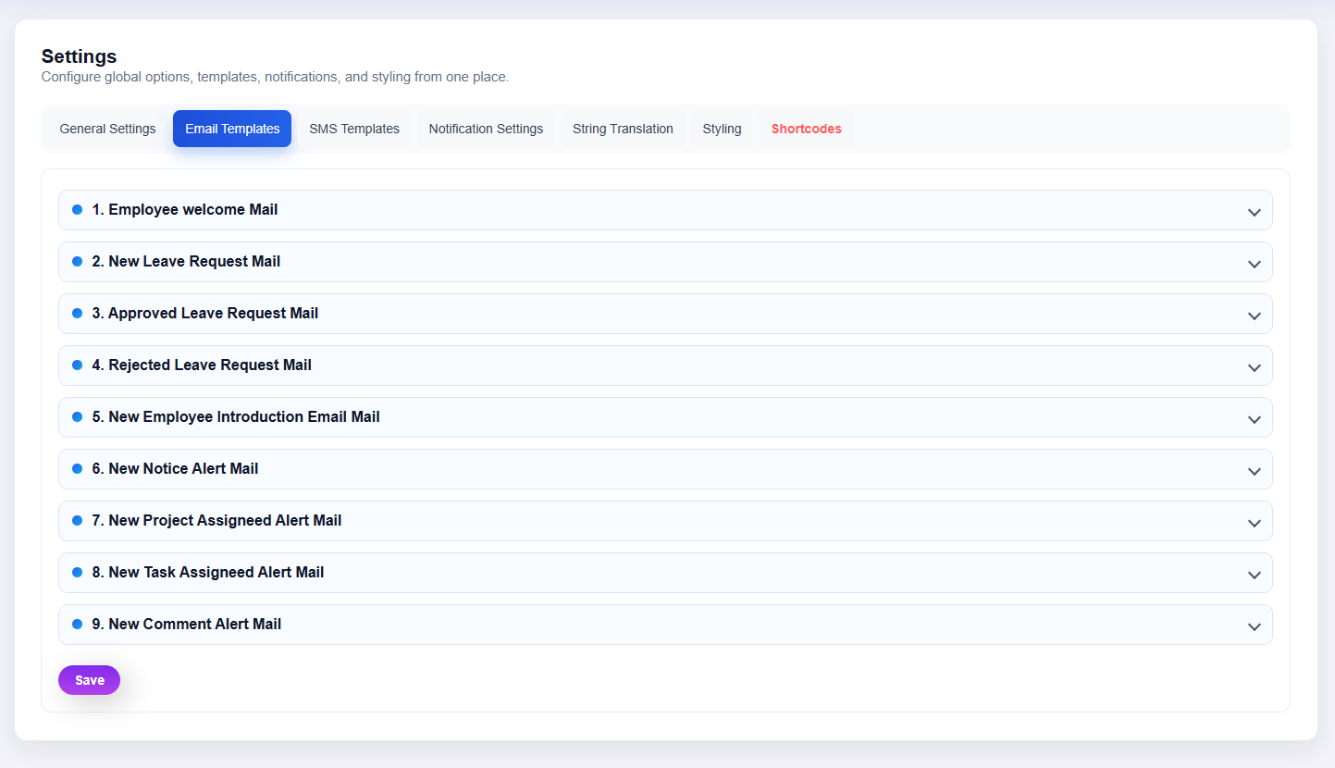
What this screenshot shows
The Email Templates area lists the available notification templates. Expand a template to review or edit its subject/body content and available placeholders, then save the template after making changes.
- Template rows are displayed in an expandable list.
- Each template can be opened to inspect or edit its message content.
- Use the template editor's supported variables exactly as documented by the plugin.
- Customer tip: Use the screenshot as a visual guide, but follow the field-by-field instructions on this page for the exact configuration.
Open Clockinator Pro → Settings → Email Templates. The settings screen loads a dedicated email-template configuration file and action handler.
Editing a template
- Select the required email template.
- Edit the subject/body fields shown.
- Preserve any supported placeholders used by the template.
- Save the changes.
Placeholder safety: Do not delete a variable unless you have verified what the installed template expects it to represent.