Documentation / Activities
Activities
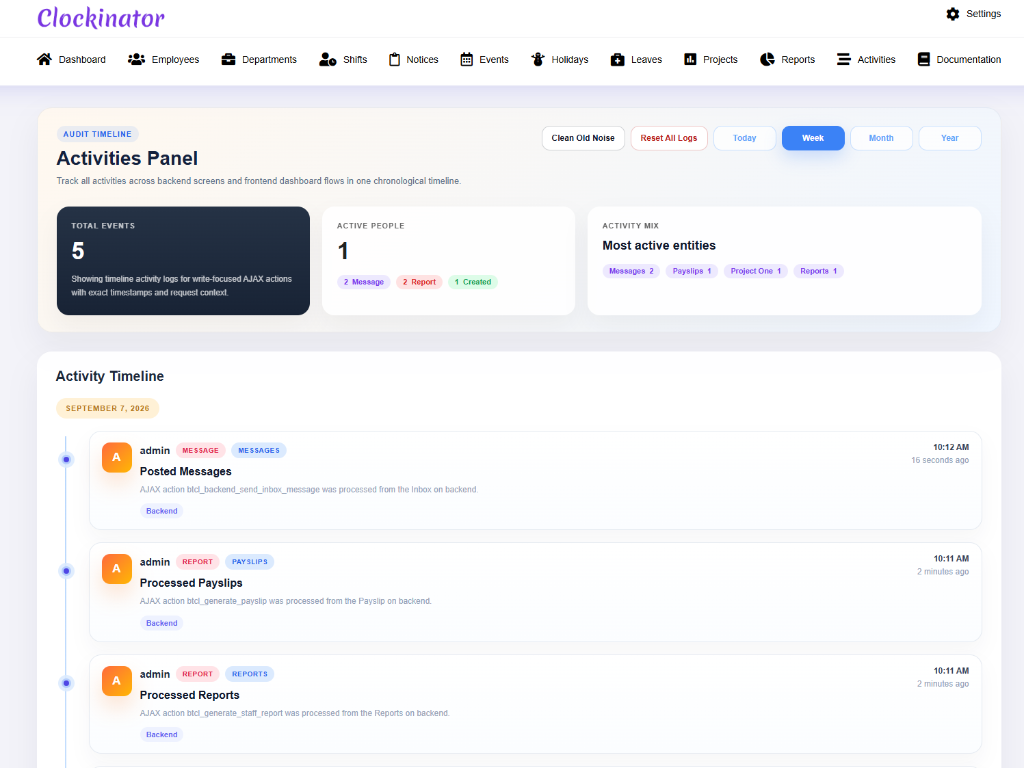
What this screenshot shows
The Activities panel provides an audit-style view of recorded system activity. Review the summary information and activity timeline to understand what has happened in the system and when, using the available filters/actions to narrow the information.
- Summary cards at the top provide an overview of activity information.
- The activity timeline lists recorded actions with timestamps/details.
- Use this view when you need to understand recent changes or system activity.
- Customer tip: Use the screenshot as a visual guide, but follow the field-by-field instructions on this page for the exact configuration.
The Activities module is backed by an activity logger in the supplied source. Use it as an operational/audit view of recorded plugin activity.
Open Clockinator Pro → Activities and review the entries available to your account.