Documentation / Reimbursement
Reimbursement
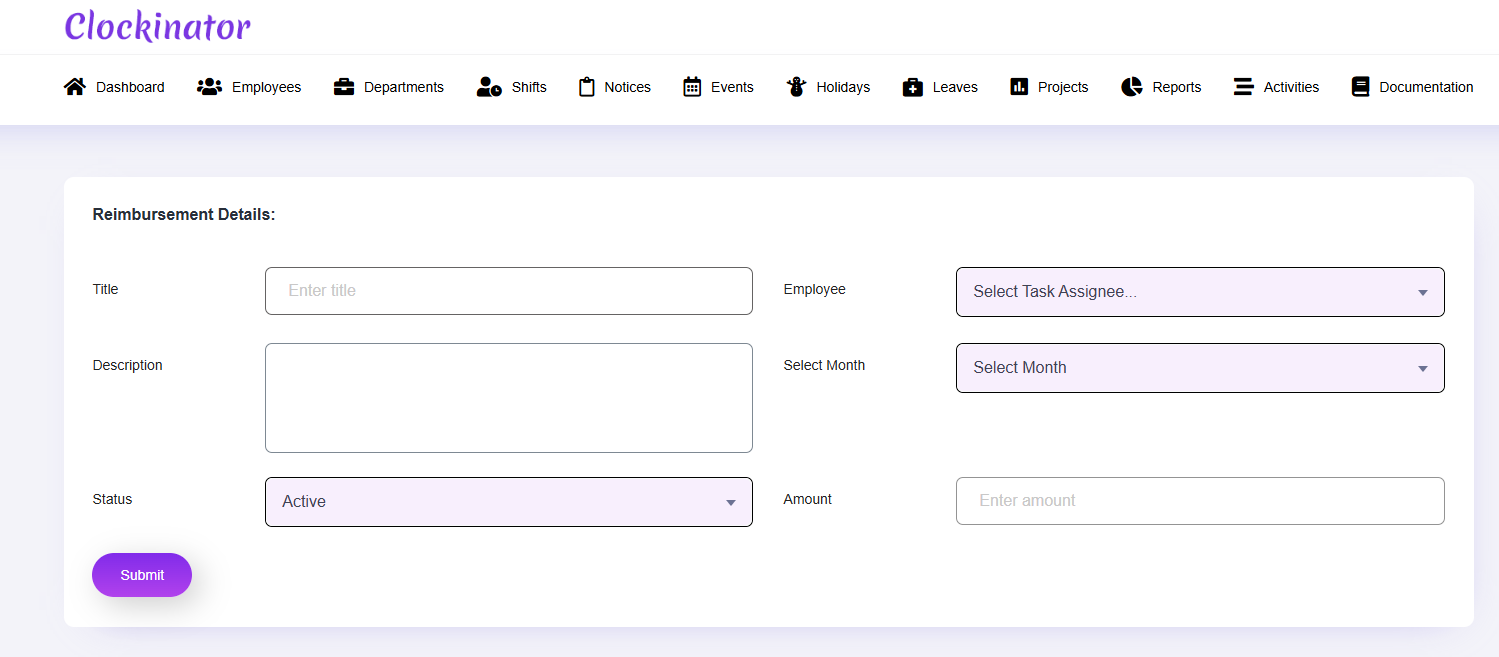
What this screenshot shows
Use this form to record an employee reimbursement. Enter the employee, amount, description, status, and any other fields actually presented by the form, then save the record for later management and payroll-related processing where supported.
- The form associates a reimbursement with an employee.
- Amount, description and status fields are visible for recording the expense.
- Save the record after verifying the employee and amount.
- Customer tip: Use the screenshot as a visual guide, but follow the field-by-field instructions on this page for the exact configuration.
Use Clockinator Pro → Reimbursement to manage employee reimbursement records.
Basic workflow
- Create the reimbursement record.
- Select the employee where required.
- Enter the amount and description fields shown.
- Set the status/approval information exposed by the form.
- Save and review the record.