
Introducing Clockinator Pro 2.0: Smarter Employee Time Tracking and Workforce Management for WordPress
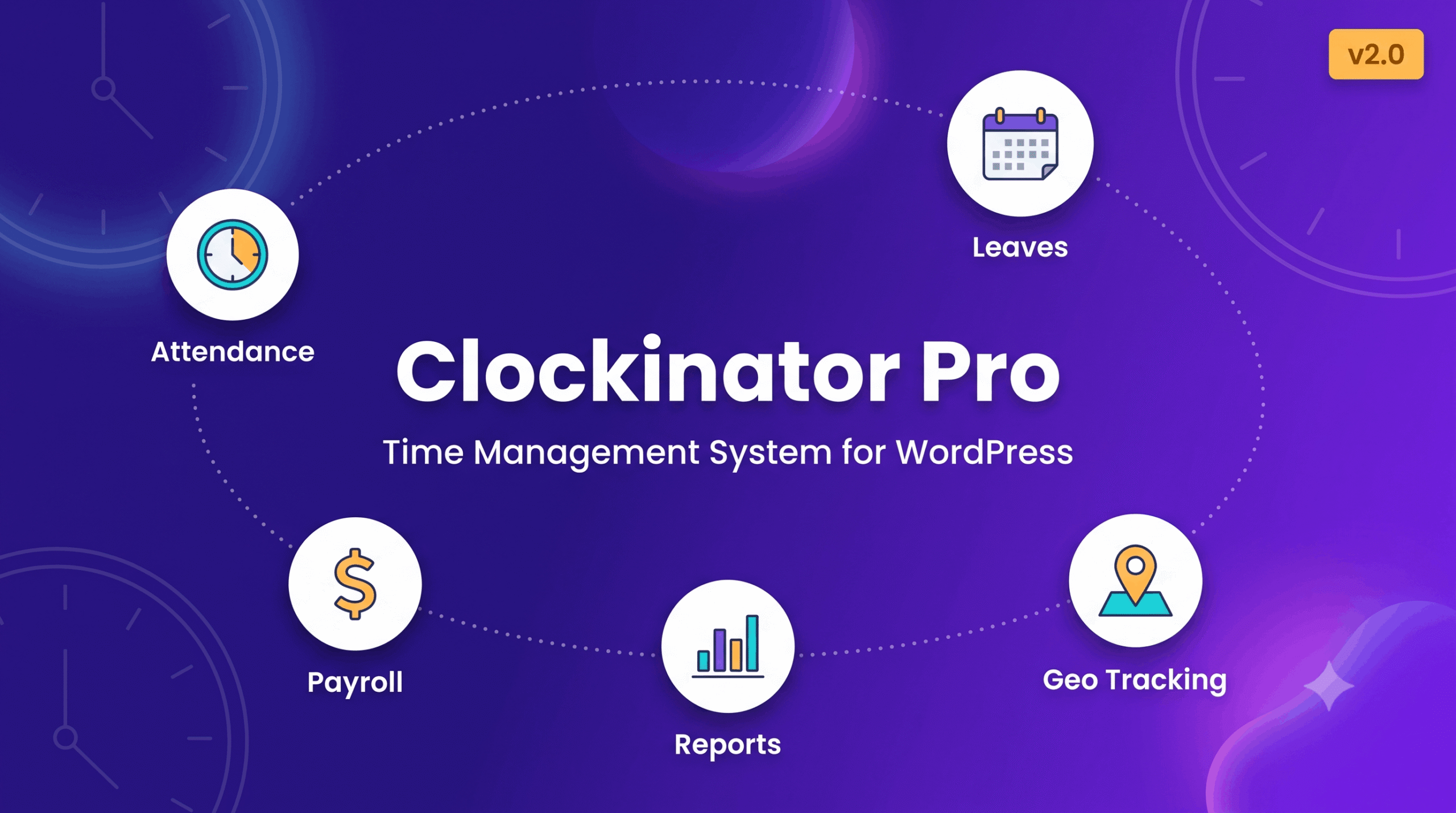
Clockinator Pro 2.0 is here! Discover a refreshed dashboard, improved employee management, better workforce visibility, and powerful add-ons that help you manage attendance, working hours, leave, payroll workflows, projects, and more — directly from your WordPress website.
Managing employees shouldn’t require juggling spreadsheets, disconnected tools, and expensive workforce management subscriptions. Whether you’re running a small business, managing a growing team, or coordinating employees across multiple departments, you need a reliable way to keep your workforce organised.
That’s why we’re excited to introduce Clockinator Pro 2.0, the latest release of our WordPress employee time tracking and workforce management plugin.
Available from BeastThemes, Clockinator Pro brings essential workforce operations together in one place, helping businesses simplify employee management and build more efficient daily workflows.
With version 2.0, we’re taking another step toward making workforce management more intuitive, more organised, and easier to manage from your WordPress dashboard.
What’s New in Clockinator Pro 2.0?
Clockinator Pro 2.0 focuses on improving the everyday experience for administrators and managers, making important workforce information easier to access and employee workflows easier to navigate.
1. A Refreshed and More Modern Dashboard
Your dashboard should help you understand what’s happening across your organisation without making you search through multiple screens.
Clockinator Pro 2.0 introduces a refreshed interface with improved dashboard presentation and a more organised administrative experience.
The updated interface helps bring workforce information into focus, making everyday tasks easier to navigate.
Highlights include:
- A refreshed administrative interface.
- Improved presentation of workforce information.
- Responsive layouts for different screen sizes.
- A more organised experience for managing employee operations.
2. Dashboard Analytics and Workforce Overview
Get a clearer overview of your workforce from your WordPress dashboard.
The updated dashboard experience introduces KPI cards, charts, and workforce summaries to make important information easier to review.
Depending on the information available in your installation, the dashboard helps administrators review employee and attendance activity without navigating through every individual section.
Key improvements include:
- Workforce KPI cards and visual summaries.
- Attendance-related charts and activity insights.
- Project and workforce information in dedicated sections.
- Quick links to frequently used Clockinator Pro areas.
These improvements help create a more informative starting point for your daily workforce management tasks.
3. Improved Employee Management
Employee management is at the heart of every workforce management system.
Clockinator Pro 2.0 includes an improved Employees interface designed to make employee records easier to review and manage.
Whether you need to maintain employee information, organise departments, or access individual workforce records, Clockinator Pro keeps employee administration connected to your existing WordPress environment.
Use it to organise employee profiles, connect employees with WordPress users, and manage your workforce from one central location.
4. Improved Leave Management Experience
Managing employee leave is an essential part of maintaining accurate workforce records.
Version 2.0 includes fixes and refinements to the Leaves section to improve the leave-management experience while preserving established workflows.
Clockinator Pro supports leave requests and approvals, leave records, and related workforce administration features, helping managers keep track of employee time away.
5. A Clockinator Pro Overview Widget in WordPress
Clockinator Pro 2.0 also introduces a dedicated Clockinator Pro Overview widget in the WordPress dashboard.
This widget brings useful workforce information and quick-access links closer to the main WordPress administration screen.
Depending on the available records, it can present information such as:
- Employee and presence KPIs.
- Attendance mix summaries.
- Workforce snapshots.
- Upcoming holidays or events.
- Quick links to Clockinator Pro management screens.
This makes it easier for administrators to get an at-a-glance overview before moving into more detailed workforce tasks.
6. Built Around Your Existing Workflows
A major goal of version 2.0 is to improve the user experience without unnecessarily disrupting established operations.
The release focuses on interface improvements, dashboard visibility, employee management refinements, and leave-related fixes while preserving the plugin’s existing workflows and navigation.
That means you can continue using Clockinator Pro for your day-to-day employee management while benefiting from the refreshed experience.
Clockinator Pro: More Than an Attendance Plugin
Clockinator Pro is designed to connect the different parts of workforce management instead of treating attendance as an isolated task.
With Clockinator Pro, you can manage:
- Employee management: Maintain employee profiles and organise your workforce.
- Department management: Group employees according to your organisational structure.
- Attendance tracking: Record clock-in and clock-out activity and review working hours.
- Shift management: Organise employee shifts and schedules.
- Leave management: Manage leave requests and related records.
- Holiday and event management: Maintain company holidays and important events.
- Salary calculations: Calculate salary amounts using configured working-hour or daily pay rules.
- Payslip generation: Generate payslips for supported pay periods.
- Project and task management: Assign projects and tasks to employees.
- Reports and exports: Review attendance records and export supported data.
- Notifications: Configure email and SMS notification options.
- Location management: Organise work locations and supported time-zone settings.
- Reimbursements and employee loans: Maintain related employee financial records.
All of this runs within your WordPress environment, giving you a connected workspace for managing your team’s everyday operations.
Explore All 11 Clockinator Pro Add-ons
Every business has different workforce requirements. Some need advanced reporting, while others need automated approvals, employee self-service, integrations, or attendance systems for physical workplaces.
Clockinator Pro supports an expandable approach through its optional add-on ecosystem.
Here are the 11 add-ons featured in the Clockinator Pro product lineup.
1. Advanced Reports & Analytics Add-on
Turn workforce records into more useful business insights.
The Advanced Reports & Analytics add-on expands reporting capabilities with visual charts, searchable data tables, filters, and export options.
Key capabilities:
- Attendance, leave, payroll, and productivity reporting.
- Visual charts and analytical summaries.
- Filters for employees, departments, date ranges, shifts, and other available fields.
- Export options for CSV and XLSX.
Ideal for: HR managers, business owners, and organisations that need more detailed workforce reporting.
2. Smart Time Tracking Add-on
Make time tracking more flexible for employees working on different projects and tasks.
Smart Time Tracking introduces a dedicated tracker workflow for recording work sessions and managing time entries.
Key capabilities:
- Start, pause, resume, and stop tracking sessions.
- Create manual time entries.
- Associate time entries with projects and tasks.
- Review recent time logs.
Ideal for: Agencies, service businesses, project-based teams, and organisations that need task-level time records.
3. AI Copilot Add-on
Bring AI-assisted workforce insights into your Clockinator Pro environment.
The AI Copilot add-on is designed to help users explore workforce information and obtain assistance across supported attendance, leave, payroll, project, and task workflows.
Key capabilities:
- AI-assisted workforce insights.
- Assistant chat with project and task context.
- Support for configurable AI providers, including OpenAI, Anthropic, Gemini, and Ollama.
Ideal for: Businesses looking to explore AI-assisted workforce analysis and administrative support.
4. Process Automation & Approvals Add-on
Reduce repetitive administrative work by structuring approval processes.
The Process Automation & Approvals add-on focuses on workflow automation, approval routing, notifications, and activity tracking.
Key capabilities:
- Multi-step approval routing.
- Role-based approval workflows.
- Leave and attendance correction request workflows.
- Notifications, activity logs, and escalation history.
Ideal for: Growing teams that need consistent approval procedures and clearer accountability.
5. Frontend Dashboard Add-on
Give employees and relevant staff members a dedicated workspace outside the WordPress administration area.
The Frontend Dashboard add-on is designed to make employee self-service more accessible.
Key capabilities:
- Frontend employee dashboard.
- Attendance and leave access.
- Employee profile and self-service workflows.
- Reduced need for non-administrative staff to use the WordPress backend.
Ideal for: Businesses that want a more convenient employee-facing experience.
6. Frontend Builder Add-on
Create a more customised frontend experience for your workforce.
The Frontend Builder add-on is designed for businesses that want greater control over the layout and presentation of employee-facing pages.
Key capabilities:
- Custom frontend attendance pages.
- Employee widgets and workforce sections.
- Role-based interface layouts.
- Branded employee self-service experiences.
Ideal for: Businesses and agencies that want their workforce portal to fit their website’s design and workflow requirements.
7. Invoicing & Client Billing Add-on
Connect time and project-related workflows with client billing operations.
The Invoicing & Client Billing add-on extends Clockinator Pro toward invoicing and financial administration.
Key capabilities:
- Invoice creation and management.
- Client billing profiles.
- Payment tracking and payment plans.
- Expenses and tax-related settings.
- Recurring invoices, credit notes, and statements.
Ideal for: Agencies, consultants, and service businesses managing client projects and billing.
8. Kiosk / QR Attendance Add-on
Simplify attendance at offices, workplaces, and designated check-in points.
The Kiosk / QR Attendance add-on is designed for QR-based attendance and connected device workflows.
Key capabilities:
- Employee QR attendance cards.
- Frontend kiosk clock-in and clock-out.
- Device-aware attendance workflows.
- REST API integration for compatible external devices.
- Access rules and API activity logs.
Ideal for: Offices, factories, campuses, and workplaces that need a dedicated attendance station.
9. Biometric Attendance Add-on
Extend attendance workflows toward supported biometric devices and hardware integrations.
The Biometric Attendance add-on is designed to connect employee attendance processes with compatible biometric systems.
Key capabilities:
- Biometric device registration.
- Employee enrollment records linked to devices.
- Webhook-based hardware integration workflows.
Ideal for: Organisations that want to explore attendance integrations with compatible biometric hardware.
Device compatibility and hardware integration requirements should be confirmed before deployment.
10. Integrations Add-on
Connect Clockinator Pro with other business tools and external systems.
The Integrations add-on focuses on connecting workforce operations with supported third-party services and custom applications.
Key capabilities:
- Webhook-based integrations.
- Slack notifications.
- Google Calendar synchronization.
- Zapier and Make automation workflows.
- REST API access and key management.
- Accounting integration options for QuickBooks and Xero.
Ideal for: Businesses that need workforce data to work alongside their existing business software.
11. Field Workforce Add-on
Manage employees who work outside the office.
The Field Workforce add-on is designed to support location-aware attendance, route management, and field activity records.
Key capabilities:
- Employee location visibility on a map.
- Route and visit management.
- Geolocation-based check-in and check-out.
- Historical location and attendance reporting.
Ideal for: Field service companies, maintenance teams, delivery operations, and businesses with employees working across multiple locations.
Location-related functionality should be configured with appropriate employee permissions, privacy safeguards, and applicable legal requirements.
Why Choose Clockinator Pro for WordPress?
Choosing workforce software is about more than recording working hours. It is about finding a system that fits your operations and can adapt as your business grows.
Here is why Clockinator Pro is worth considering.
1. Manage workforce operations from WordPress
Keep employee administration, attendance, shifts, leave, and related workflows connected to your WordPress installation.
2. Reduce dependence on disconnected spreadsheets
Maintain structured workforce records and use supported reports and exports to simplify administrative work.
3. Support different team responsibilities
Role-aware access and employee-facing dashboard functionality help accommodate administrators, HR managers, department heads, and employees.
4. Expand when your business needs more
Start with the core plugin and explore optional add-ons for analytics, integrations, automation, kiosk attendance, and other specialised requirements.
5. Choose a licensing option that suits your organisation
Clockinator Pro offers paid licensing options for different domain requirements. Review the current product page for pricing, support, updates, and licence terms.
Who Can Benefit from Clockinator Pro?
Clockinator Pro can be useful for a wide range of organisations, including:
- Small and medium-sized businesses.
- Agencies and professional service companies.
- HR teams and growing organisations.
- Companies managing multiple departments.
- Businesses with shift-based employees.
- Project-based teams that need working-hour records.
- Offices and workplaces requiring structured attendance.
- Organisations exploring workforce integrations and automation.
If your business uses WordPress and needs a more organised approach to employee time tracking and workforce administration, Clockinator Pro is worth exploring.
How to Get Started With Clockinator Pro 2.0
Getting started is straightforward.
Step 1: Explore the plugin
Visit the official Clockinator Pro product page to review its features and licensing options.
Step 2: Choose your licence
Select the licence that matches your domain requirements and business needs.
Step 3: Configure your workforce
Set up employee records, departments, work locations, shifts, attendance settings, and other relevant options.
Step 4: Establish your daily workflow
Start managing attendance, reviewing leave records, organising tasks, and preparing reports with support.
Step 5: Expand with add-ons
Explore the add-ons that match your requirements as your team and workflows grow.
For setup instructions and additional guidance, visit the Clockinator Pro documentation.
Ready to Upgrade Your Workforce Management?
Clockinator Pro 2.0 brings a refreshed administrative experience, improved workforce visibility, refined employee management, and a growing ecosystem of specialised add-ons.
From everyday attendance and leave management to advanced analytics, AI-assisted workflows, integrations, and field workforce operations, Clockinator Pro gives WordPress-based businesses a flexible way to organise their workforce.
Whether you are managing a small team today or preparing for more complex operations tomorrow, you can start with the core plugin and explore additional capabilities as your needs evolve.
Ready to see what Clockinator Pro can do for your business?
Explore the features, review the available licences, and get started today.
Explore Clockinator Pro & Get Your Licence
Clockinator Pro is developed by BeastThemes. Add-on availability, licensing, compatibility, and integration requirements may vary. Please review the official product information before purchasing.